
Sign in to get started.
See and share your earned badges
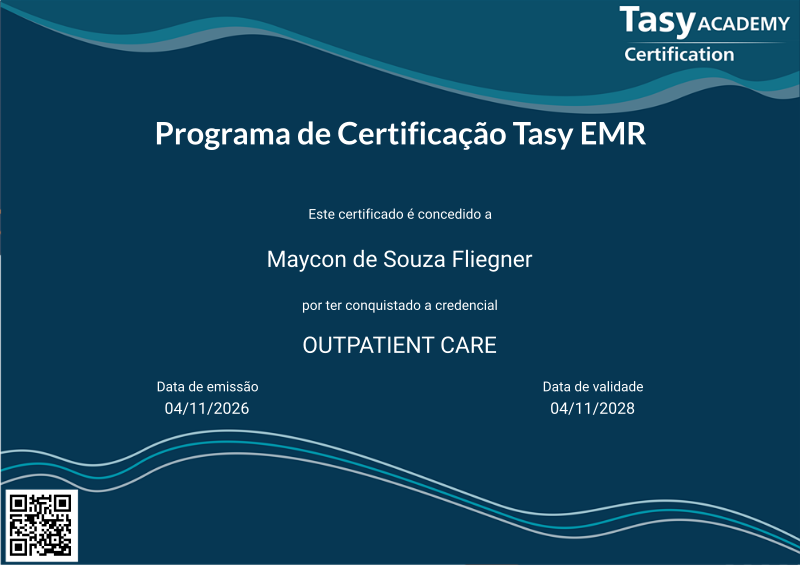
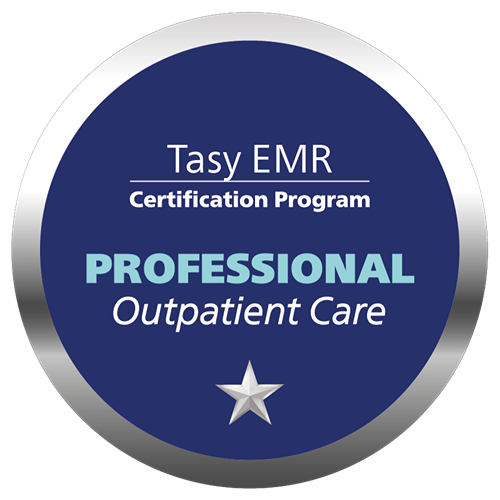
OUTPATIENT CARE
- 1 Download the badge image (see below)
- 2 Now copy the badge link to make sure it links to your badge
- 3
- 4 Open Gmail and click on Settings -> See all settings
- 5 Scroll down to the Signature section
- 6 Click Insert Image > Upload image
- 7 Click on the badge image and resize it
- 8 Select the image and click on the link icon
- 9 Past the badge URL link in the Web address box
- 10 Click save to finish
- 1 Download the badge image (see below)
- 2 Now copy the badge link to make sure it links to your badge
-
3
- 4 Open Outlook and click on Home Tab -> New Email -> Signatures
- 5 Add a New Signature or edit an existing one
- 6 Select the Image icon in the toolbar
- 7 Insert the image downloaded into your signature
- 8 Select the image and click on the link icon
- 9 Past the badge URL link in the Web address box
- 10 Click save to finish

A credencial PROFESSIONAL OUTPATIENT CARE cobre o tema relacionado a Home Care, controle de imunização, exames de imagem, exames laboratoriais e não laboratoriais.
A prova é centrada nos cuidados ao paciente externo ou ambulatorial. Envolve conhecimento sobre a gestão de exames laboratoriais e não laboratoriais, entrega de laudos, gestão de amostras, check-ups e cuidados domiciliares.
O conteúdo da prova é baseado na trilha de Aprendizagem composta pelas seguintes funções:
· Check-up
· Gestão de Home Care
· Controle de Imunizações
· Exames Pendentes
· Lote de Exames Externos
· Consulta de Exames
· Lote de Exame
· Laudo de Anatomia Patológica
· Exames de Laboratório
· Gestão das Amostras
· Digitação de Resultado de Exames Laboratoriais Externos
· Consulta de Exames do Paciente
· Painel de Chamadas do Laboratório
· Acompanhamento de Laudos
· Gestão de Exames
· Digitação de Resultados de Exames Não Laboratoriais Externos
· Gestão de Entregas de Laudos
· Central de Laudos
Pré-requisito para realizar esta Credencial: Certificação FUNDAMENTALS válida.
A aprovação para aquisição desta Credencial Professional é atingir a nota final superior a 70% na prova.

| Blockchain Badge Image | |
| Registration: | 05/11/2026 11:10 |
| File: | Badge Image |
| File hash: | 985a0a00d6e8a5e6c56c36d0f4e96852b36d6fdc4923b86c4f86f5a7e8416263 |
| Block hash: | 000000000000000000019a03139e7df014be6f0f36809953b41e592c18bf8629 |
| Transaction: | 5cd0262974ee050b0bedb9676746c007bf2ebe8c4797401186ba5c4676f9530a |
| Blockchain Certificate Image | |
| Registration: | 05/11/2026 11:10 |
| File: | Certificate Image |
| File hash: | 5121247df3a2d14c278985c03a5cfb6eea78b8b310dc5332821c1c689c8dd84f |
| Block hash: | 000000000000000000019a03139e7df014be6f0f36809953b41e592c18bf8629 |
| Transaction: | 5cd0262974ee050b0bedb9676746c007bf2ebe8c4797401186ba5c4676f9530a |
| Blockchain Certificate PDF | |
| Registration: | 05/11/2026 11:10 |
| File: | Certificate PDF |
| File hash: | 0fe8e140fa9d8d2f0cff9c3fdda655329ad11da2c80fcf38b0df37c201d96f27 |
| Block hash: | 000000000000000000019a03139e7df014be6f0f36809953b41e592c18bf8629 |
| Transaction: | 5cd0262974ee050b0bedb9676746c007bf2ebe8c4797401186ba5c4676f9530a |