
Sign in to get started.
See and share your earned badges


Trilha Explorando Incoterms
- 1 Download the badge image (see below)
- 2 Now copy the badge link to make sure it links to your badge
- 3
- 4 Open Gmail and click on Settings -> See all settings
- 5 Scroll down to the Signature section
- 6 Click Insert Image > Upload image
- 7 Click on the badge image and resize it
- 8 Select the image and click on the link icon
- 9 Past the badge URL link in the Web address box
- 10 Click save to finish
- 1 Download the badge image (see below)
- 2 Now copy the badge link to make sure it links to your badge
-
3
- 4 Open Outlook and click on Home Tab -> New Email -> Signatures
- 5 Add a New Signature or edit an existing one
- 6 Select the Image icon in the toolbar
- 7 Insert the image downloaded into your signature
- 8 Select the image and click on the link icon
- 9 Past the badge URL link in the Web address box
- 10 Click save to finish

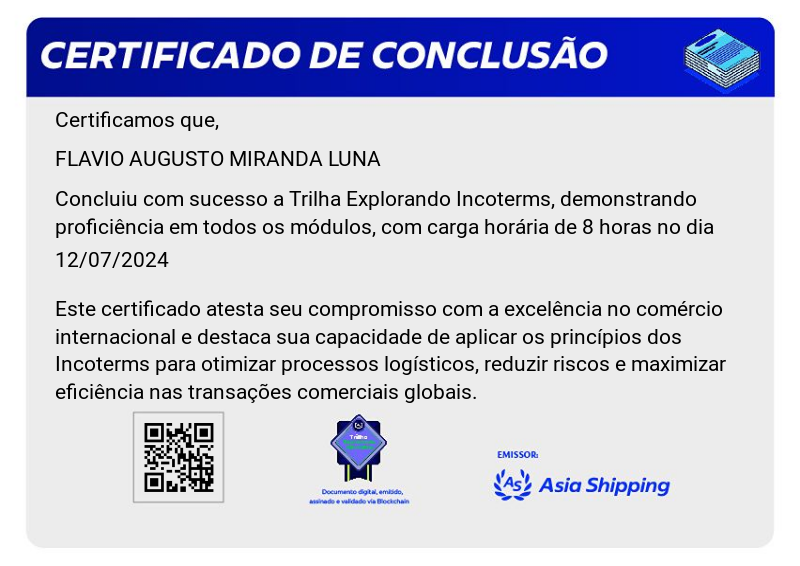
Chegamos a mais um badge do programa de Treinamento da AS. Abordamos diversos temas essenciais para nosso negócio.
A Trilha Explorando Incoterms inclui elementos relacionados ao comércio internacional, como ícones representando diferentes termos de Incoterms, símbolos de negócios globais ou elementos que destacam a importância do entendimento dos Incoterms para profissionais envolvidos em transações comerciais internacionais. Essa badge serve como um símbolo de conquista e conhecimento na área de comércio internacional e logística.
Para receber este badge é necessário que o colaborador conclua todas as etapas da Trilha em tempo hábil e atinja nota mínima de 8.0 nos testes de conhecimento aplicados.
Caso o colaborador não finalize todos os treinamentos, não será possível receber a badge. Fique atento as datas de conclusão dos cursos!
| Blockchain Badge Image | |
| Registration: | 12/07/2024 23:24 |
| File: | Badge Image |
| File hash: | 324d3cc4971728fb5b77acf45e795d5f7a7f6f7065c8e97eb43834a4e5077074 |
| Block hash: | 0000000000000000000146bac760e00dc75e10bce310db58b348e4c0f0cc5d84 |
| Transaction: | 0870f977cb4386d581be1a97375e3f943c83d1a2533b58486b508cf801b16cb0 |
| Blockchain Certificate Image | |
| Registration: | 12/07/2024 23:24 |
| File: | Certificate Image |
| File hash: | d04440bfdb6fd7a6c7aa0cf36058d0658a73e1f538e5119de07299c9f47de4b6 |
| Block hash: | 0000000000000000000146bac760e00dc75e10bce310db58b348e4c0f0cc5d84 |
| Transaction: | 0870f977cb4386d581be1a97375e3f943c83d1a2533b58486b508cf801b16cb0 |
| Blockchain Certificate PDF | |
| Registration: | 12/07/2024 23:24 |
| File: | Certificate PDF |
| File hash: | 04f0c1eabfd28d5331671b9d090b2ac6e7cc237b4629e6db772176993cce58f1 |
| Block hash: | 0000000000000000000146bac760e00dc75e10bce310db58b348e4c0f0cc5d84 |
| Transaction: | 0870f977cb4386d581be1a97375e3f943c83d1a2533b58486b508cf801b16cb0 |