
Sign in to get started.
See and share your earned badges
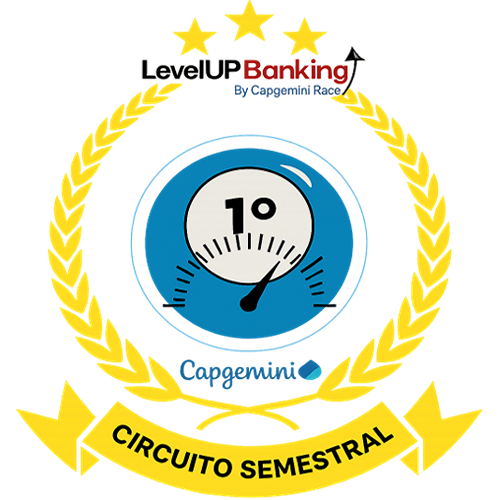
Circuito Semestral | LevelUp
- 1 Download the badge image (see below)
- 2 Now copy the badge link to make sure it links to your badge
- 3
- 4 Open Gmail and click on Settings -> See all settings
- 5 Scroll down to the Signature section
- 6 Click Insert Image > Upload image
- 7 Click on the badge image and resize it
- 8 Select the image and click on the link icon
- 9 Past the badge URL link in the Web address box
- 10 Click save to finish
- 1 Download the badge image (see below)
- 2 Now copy the badge link to make sure it links to your badge
-
3
- 4 Open Outlook and click on Home Tab -> New Email -> Signatures
- 5 Add a New Signature or edit an existing one
- 6 Select the Image icon in the toolbar
- 7 Insert the image downloaded into your signature
- 8 Select the image and click on the link icon
- 9 Past the badge URL link in the Web address box
- 10 Click save to finish

A Race Badge Circuito Semestral do LevelUp faz parte de uma iniciativa dentro do Capgemini Race, programa focado em certificações, projetado para impulsionar o desenvolvimento das nossas pessoas. Neste programa gamificado, incentivamos e apoiamos nossos profissionais a alcançarem novos patamares de conhecimento através da obtenção de certificações em AWS, Microsoft, Google, GitHub Copilot, Huawei e SRE. Os vencedores do semestre serão reconhecidos com a Badges Circuito Semestral do LevelUp refletindo sua colocação no ranking semestral.
Para receber uma a Race Badge Circuito Semestral do LevelUp, é necessário estar entre os três participantes que mais acumularam pontos durante o semestrel.
| Blockchain Badge Image | |
| Registration: | 10/12/2025 01:50 |
| File: | Badge Image |
| File hash: | d96538a8e4739c147717fdae3a8a3d6f230b7a8a9ad287f2478467e1f5c8703c |
| Block hash: | 00000000000000000001e0b35231c2814d1eaccc64052df223b5bad5d77d4a74 |
| Transaction: | 6b70877c811a74a9fc8e3cd78e240f3ee3788ba4899b998c7b64b7d9de0d0720 |