
Sign in to get started.
See and share your earned badges

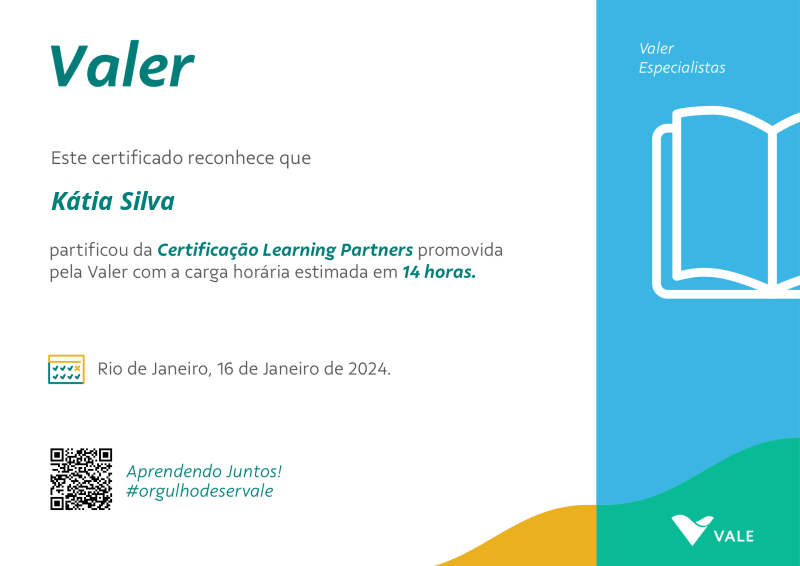
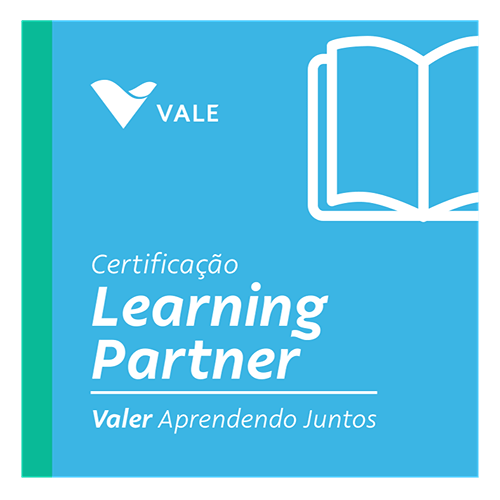
Certificação Learning Partners
- 1 Download the badge image (see below)
- 2 Now copy the badge link to make sure it links to your badge
- 3
- 4 Open Gmail and click on Settings -> See all settings
- 5 Scroll down to the Signature section
- 6 Click Insert Image > Upload image
- 7 Click on the badge image and resize it
- 8 Select the image and click on the link icon
- 9 Past the badge URL link in the Web address box
- 10 Click save to finish
- 1 Download the badge image (see below)
- 2 Now copy the badge link to make sure it links to your badge
-
3
- 4 Open Outlook and click on Home Tab -> New Email -> Signatures
- 5 Add a New Signature or edit an existing one
- 6 Select the Image icon in the toolbar
- 7 Insert the image downloaded into your signature
- 8 Select the image and click on the link icon
- 9 Past the badge URL link in the Web address box
- 10 Click save to finish
A Certificação Learning Partner é um programa de desenvolvimento profissional que visa formar especialistas em consultoria de aprendizagem. Através de um processo estruturado e abrangente, os participantes aprofundam seus conhecimentos e habilidades para apoiar o negócio de forma estratégica e eficaz.
As Learning Partners atuam como consultoras de aprendizagem, auxiliando o negócio na identificação de necessidades, desenvolvimento e implementação de soluções customizadas e avaliação de resultados. São profissionais estratégicos e inovadores que contribuem para a construção de uma cultura de aprendizagem contínua e engajamento dos colaboradores.
Para obter a Certificação Learning Partner, junte-se ao time de aprendizagem da Valer e vivencie uma jornada de desenvolvimento completa:
- Participe de encontros presenciais imersivos.
- Colabore em workshops práticos de construção de conhecimento.
- Conclua a trilha de aprendizagem personalizada na plataforma Valer.
Ao concluir estas etapas, você estará pronto para liderar a transformação da cultura de aprendizagem na Vale!
| Blockchain Badge Image | |
| Registration: | 28/05/2024 20:32 |
| File: | Badge Image |
| File hash: | eee5f7133da95fefe5b0006378e124b3499a9f81ffa36828f0ebe7e512980a95 |
| Block hash: | 00000000000000000002ea2e92e5eebd3e96afc27111e49db15932829c47f936 |
| Transaction: | 27310691f664091a93e0e8e4ac3ec0923bcf40dcffd01c318cfeb5b336fdad27 |
| Blockchain Certificate Image | |
| Registration: | 28/05/2024 20:32 |
| File: | Certificate Image |
| File hash: | 5e7e4ca29c6e015834675d1e3c531117376bef9ed6656572ee9ad4a433851559 |
| Block hash: | 00000000000000000002ea2e92e5eebd3e96afc27111e49db15932829c47f936 |
| Transaction: | 27310691f664091a93e0e8e4ac3ec0923bcf40dcffd01c318cfeb5b336fdad27 |
| Blockchain Certificate PDF | |
| Registration: | 28/05/2024 20:32 |
| File: | Certificate PDF |
| File hash: | a5f36a2982fcbf2a1736a131b645e43ec6a235c4af083cea25223f9d26c17d7d |
| Block hash: | 00000000000000000002ea2e92e5eebd3e96afc27111e49db15932829c47f936 |
| Transaction: | 27310691f664091a93e0e8e4ac3ec0923bcf40dcffd01c318cfeb5b336fdad27 |