
Sign in to get started.
See and share your earned badges
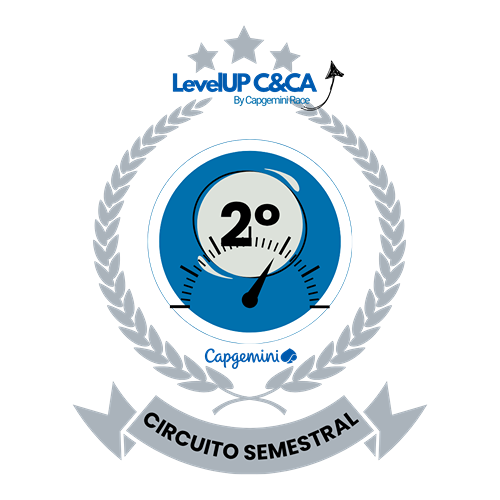
Circuito Semestral 26 | LevelUP CCA
- 1 Download the badge image (see below)
- 2 Now copy the badge link to make sure it links to your badge
- 3
- 4 Open Gmail and click on Settings -> See all settings
- 5 Scroll down to the Signature section
- 6 Click Insert Image > Upload image
- 7 Click on the badge image and resize it
- 8 Select the image and click on the link icon
- 9 Past the badge URL link in the Web address box
- 10 Click save to finish
- 1 Download the badge image (see below)
- 2 Now copy the badge link to make sure it links to your badge
-
3
- 4 Open Outlook and click on Home Tab -> New Email -> Signatures
- 5 Add a New Signature or edit an existing one
- 6 Select the Image icon in the toolbar
- 7 Insert the image downloaded into your signature
- 8 Select the image and click on the link icon
- 9 Past the badge URL link in the Web address box
- 10 Click save to finish

A Race Badge Circuito Semestral do LevelUP CCA faz parte de uma iniciativa dentro do Capgemini Race, programa focado em certificações, projetado para impulsionar o desenvolvimento das nossas pessoas. Neste programa gamificado, incentivamos e apoiamos nossos profissionais a alcançarem novos patamares de conhecimento através da obtenção de certificações em Angular, COBIT, GitHub, ITIL, Mendix, Microsoft, Oracle, QA, Scrum, VMware e Security. Os vencedores de cada semestre serão reconhecidos com a Badges Circuito semestre refletindo sua colocação no ranking semestre.
Para receber uma Race Badge Circuito Semestral LevelUP CCA, é necessário estar entre os três participantes que mais acumularam pontos durante o semestre.
| Blockchain Badge Image | |
| Registration: | 01/10/2026 18:35 |
| File: | Badge Image |
| File hash: | fa4bffc6528cf58c0f7ee6fbf6452866c3c05dc94469164d13b77fd418347ce8 |
| Block hash: | 000000000000000000016fa7af55cec7db322c8b6702bfe9695d7d892a454a0b |
| Transaction: | b5b3e120c307e223433123d0c9fc83306880033d113d2b1e2cfecb54880937b5 |